Tap to Pay on Android
Tap to Pay on Android. No terminal needed.
Turn your Android into a payment terminal. Customers tap, you get paid. That's it.
Before you start
What you need
Device
NFC-enabled Android
Operating System
Android 9+
App Version
Payment v8.0+
Available in all Stripe Terminal supported countries including US, UK, Canada, Australia, and most of Europe.
Get started
Set up in minutes
Download Payment for Stripe
Get the free app from Google Play. No subscription required.
Connect your Stripe account
Sign in with your existing Stripe account using secure OAuth. Takes under 30 seconds.
Enable Tap to Pay
Go to Settings → Card Reader and turn on "Built-in Contactless Reader".
Accept your first payment
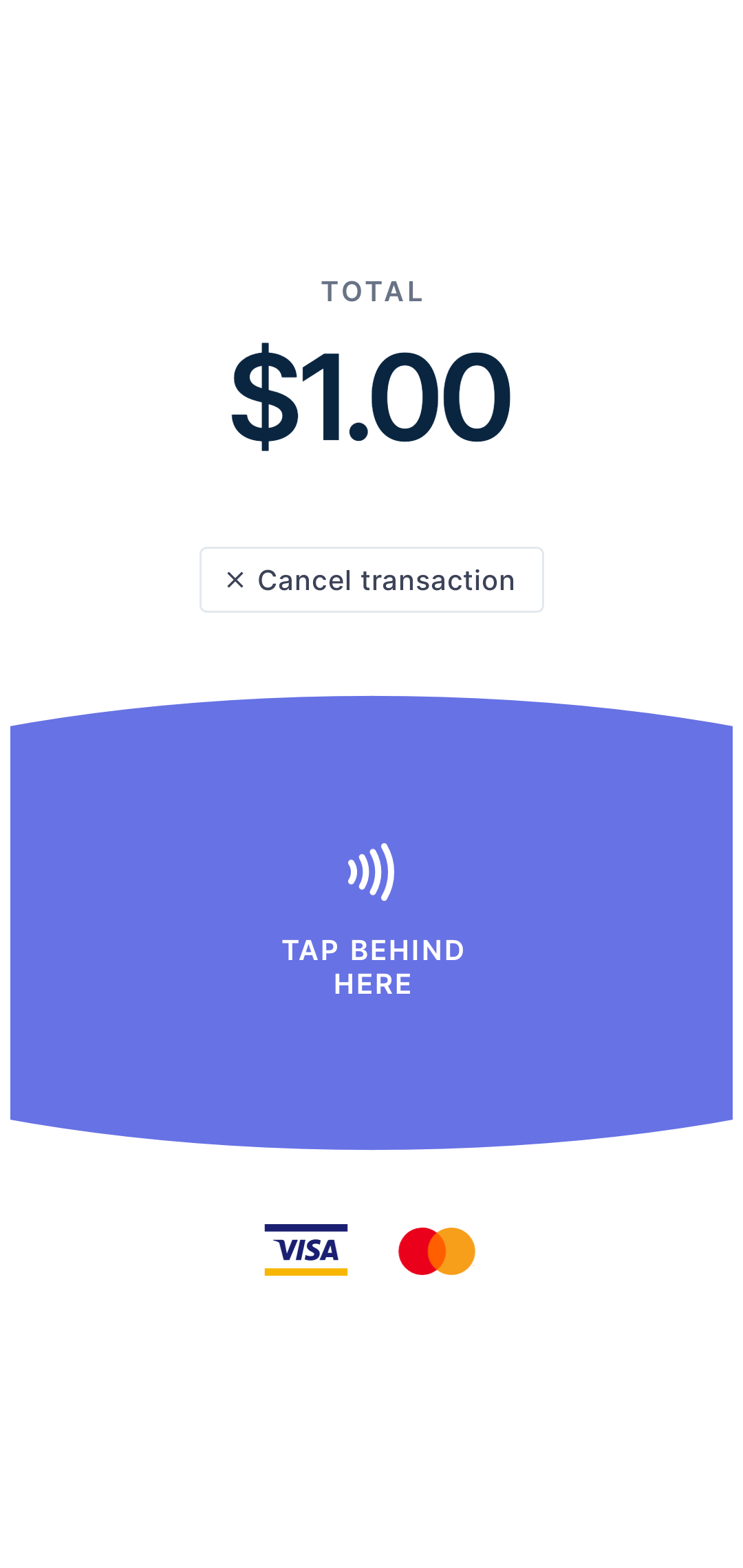
Create a charge, select Tap to Pay, and have your customer tap their card or phone.
Payment methods
What you can accept
Contactless Cards
Apple Pay
Google Pay
Digital Wallets
Consider a card reader
Card readers accept chip cards, swipe, and work offline. If you need to accept non-contactless payments or want lower per-transaction fees, a Bluetooth reader is a great addition.
Browse card readers2.7% + 5¢
Card reader rate
Offline
Payment support
Chip
Card support
From $59
One-time cost
Common questions
Which Android phones work?
Is it available in my country?
What cards are accepted?
Do I need an internet connection?
What are the fees?
Accept payments
in 60 seconds
Download the app, connect your Stripe account, and you're ready to accept your first payment. No hardware, no setup fees, no monthly costs.